 EffortlessShot
How to use
Tap a slot and shoot — that is all you need to start. Below are the parts that are harder to find.
1. Shoot and arrange
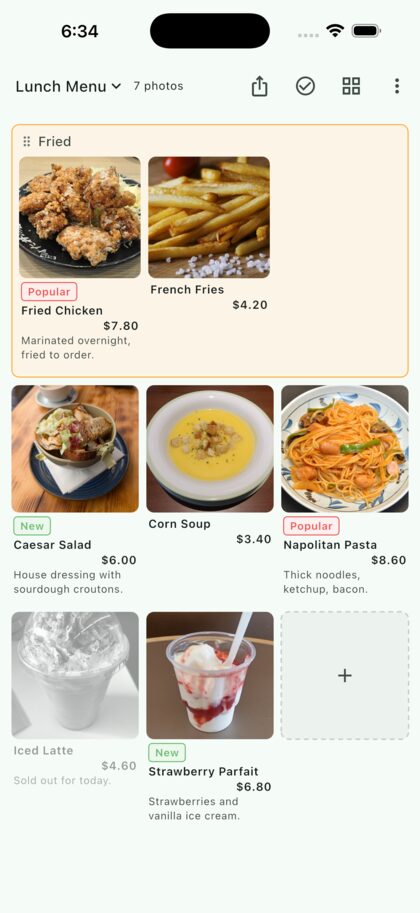
Tapping an empty slot opens the camera, and the photo lands in that slot. Long-press a photo to carry it somewhere else. The grid can be 2 to 5 columns wide.
2. Not just menus
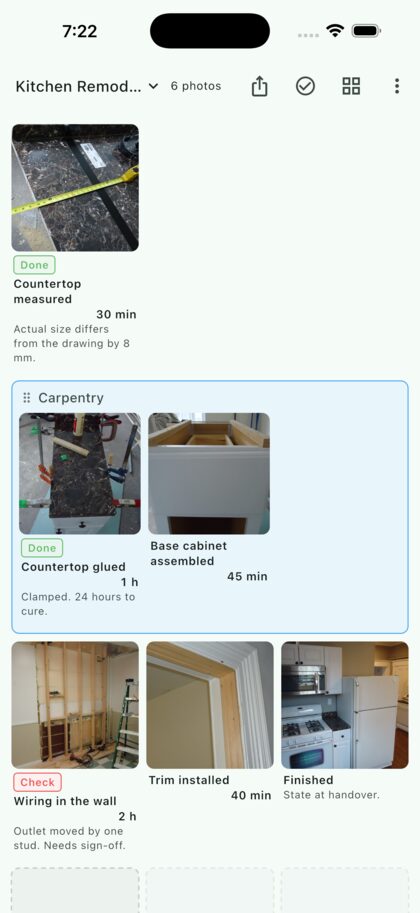
The same screen works as a work log. The note field can hold a price or a duration. Labels can say Popular, or Done — the wording is yours.
3. Write it down
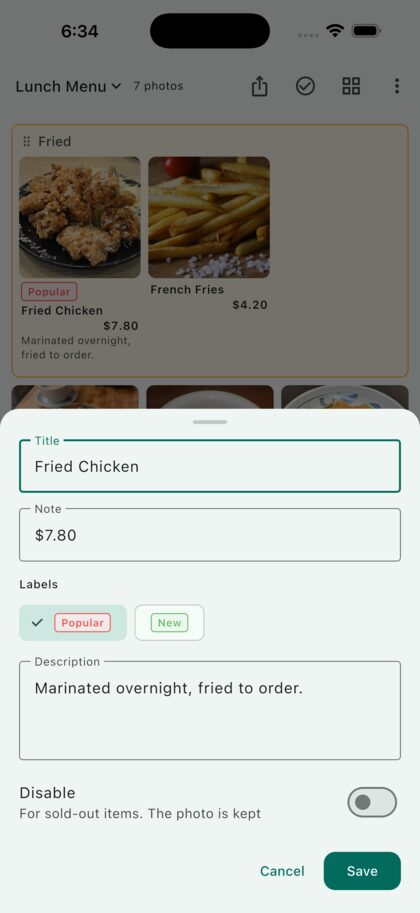
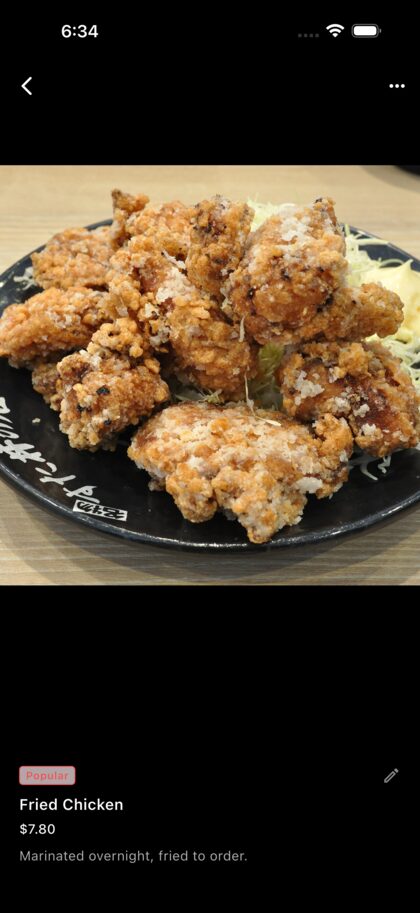
Tap under a photo to edit it. Title, note and description live here, along with labels and Disable. A disabled photo is greyed out — it stays, but reads as unavailable.
4. Work on several at once
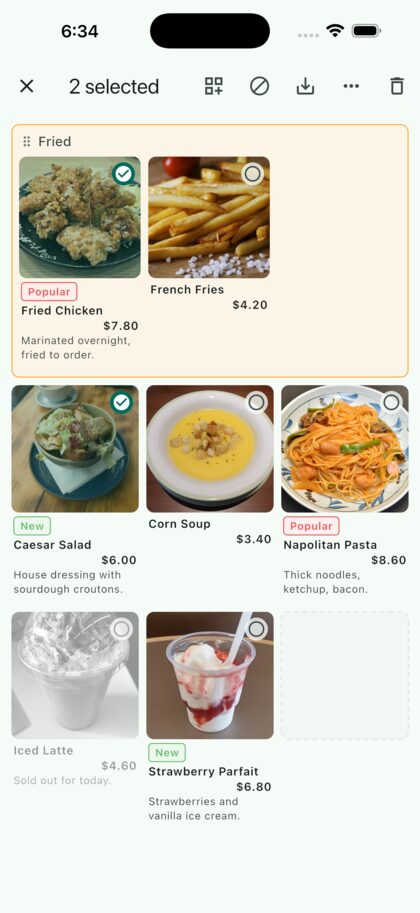
The select button at the top right lets you group photos, disable them, save them to your camera roll, or move them to another folder. A group takes a heading and a colour, and you can drag more photos into its frame later.
5. Hand it over
The share button turns the whole folder into an A4 PDF that keeps the layout you see — ready to print or send. Opening a single photo also lets you insert another one before or after it.
A worked example
- How to make a photo menu — from the first shot to the PDF
- Photo work instructions — record it as you go